




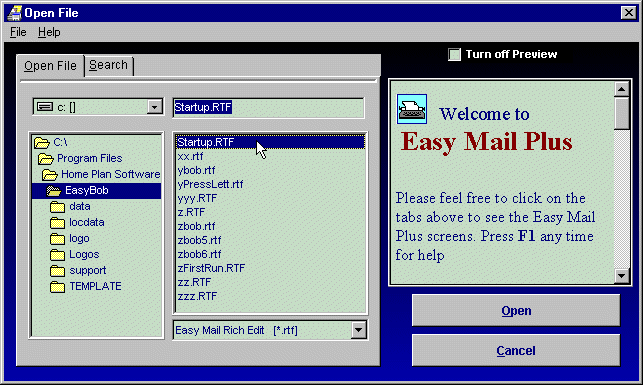
Open Files Dialogue With Preview
|
|
Open Files Dialogue With Preview |
|
|
NOTES
Other Screen Shots Database Address List: This screen displays selected fields in all or selected records. Records can be tagged or selected by filtering in a variety of ways.
Data
Entry Screen:
Available from the database address list above, provides for editing
or deletion of records, and for adding new ones. Features automatic
loading of city and state upon zip code entry. Phone numbers can be
automatically dialed. Free-Form Address Entry: Entering and editing addresses as they appear in correspondance is much easier than in the database entry screen.
Address
Books For Personal Contacts:
While database files are ideal for holding and tracking usage of
long lists of addresses, many find an Address Book perfect for
tracking small lists, or addresses of relatives, friends, and
important contacts. Assigning Addresses To Labels: Addresses can be automatically assigned to labels from all or a filtered list, or they can be assigned individually, assuring no label is ever wasted. Printing Envelopes: Envelopes can be printed individually or one can be printed for each of selected records in a list. Optionally include a logo or graphic and the postal bar code. Easily design different layouts to meet different needs. Selecting Envelope Feed Method: As is common throughout Easy Mail Plus, selecting the way in which envelopes feed into your printer is as easy as clicking a picture of the way it is done on yours. Easy Mail Plus Editor: Includes those features expected in a comprehensive editor, and much more, including full graphics support. Documents can be printed, faxed, individually or emailed to all of a selected list of addresses.
[Site Map] [About Us] [Home] Copyright © 2004 Home Plan Software; All Rights Reserved |


